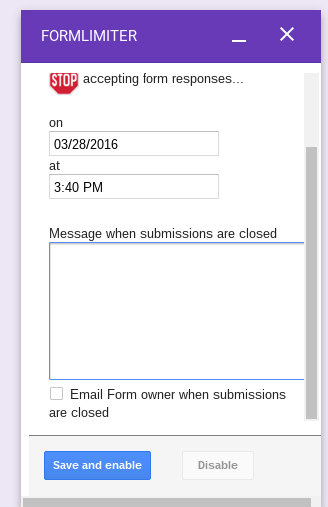
Date and time limits on Google Forms
1.Install the addon formLimiter and then look it up on the puzzle icon in the top right
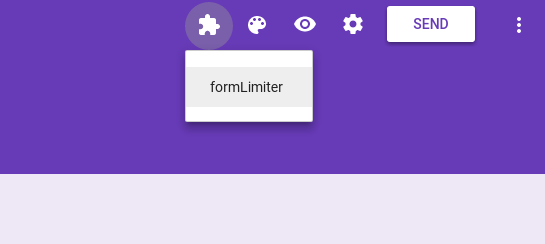
2.Click on formLimiter in the option Set limit
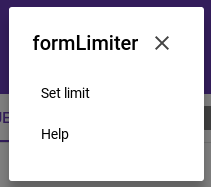
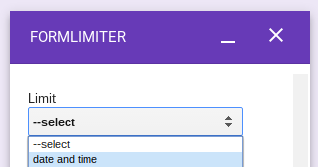
3.A window will open, click on date & time
4.Now, you can select a specific day and time as deadline for testing; you can also put a custom message to the user when the time is up (this date and time can be changed as many times as necessary)